Three Kinds of Images on Every Shopee Listing
A Shopee product page keeps its pictures in three places, and most "save image" tricks only reach the first one — at thumbnail size.
Main product images
The gallery at the top of the listing, usually 5 to 9 photos. They land in 01_Main, in their original order and full resolution.
Variant and SKU images
The photo attached to each option — a colour, a size chart, a style. Shopee only shows one when a buyer clicks that option, so they are the easiest to miss. ShopEDown saves every one into 02_Variants, named after the option: variant_02_Cream.jpg is the Cream option.
Description images
The long infographics and size charts further down the page, below the specifications. They go into 03_Description, uncropped.
shopee.sg/40oz-Tumbler-with-Handle-Straw-Lid-Double-Wall-Vacuum-Insulated-i.412233901.28841917730

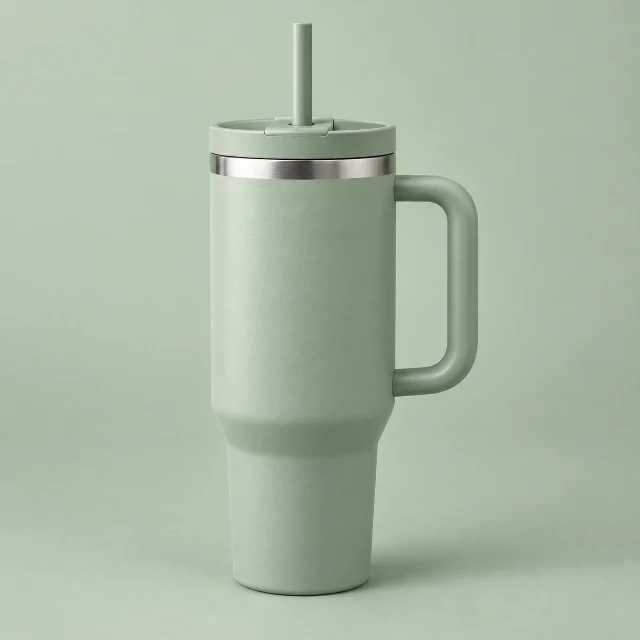
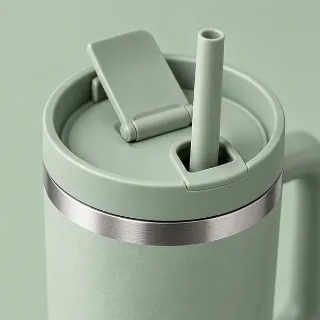
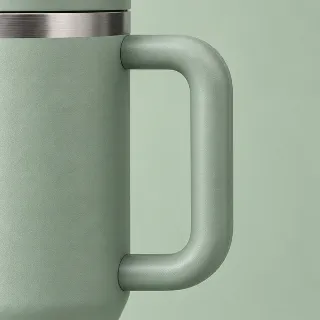
4.9· 8.1k Sold
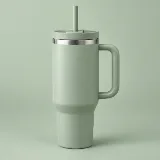 Sample listing40oz Tumbler with Handle & Straw Lid | Double-Wall Vacuum Insulated Stainless Steel | Leak-Proof
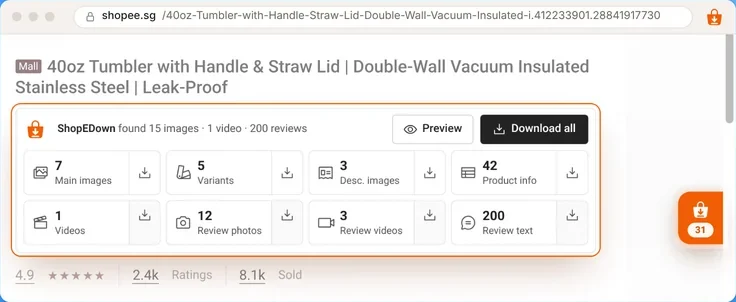
ShopEDown found 15 images · 1 video · 200 reviews
Downloads / SG_28841917730_40oz-Tumbler-with-Handle-&-Straw-Lid-Double-Wall-Vacuum
39 files- 01_Main/
- 02_Variants/
- 03_Description/
- product_info.xlsx
- 04_Videos/
- 05_Review_Images/
- 06_Review_Videos/
- reviews.xlsx
How to Download Shopee Product Images (3 Steps)
- 1
Install the extension
Add ShopEDown to Chrome or Edge and open any Shopee product page on your computer.
- 2
See what the listing holds
The card under the title counts main images, variants and description images before you download anything.
- 3
Download a set, or pick
Click a tile to save that whole set, or click Preview to open each image at its real pixel size and tick only what you need.
Bulk Download Shopee Images Without a ZIP
Right-click saving works one image at a time, and only at the size the page displays. ShopEDown takes the whole set in one click and writes plain files, ready to use:
- One folder per product, named after the site, item ID and title
- Numbered sub-folders: 01_Main, 02_Variants, 03_Description, then video and review folders
- Images keep the listing’s order, so a relist mirrors the source page
- Download the same product again and files are replaced, not duplicated
- Thai and Chinese product titles are kept as they are
Shopee Review Photo Downloader
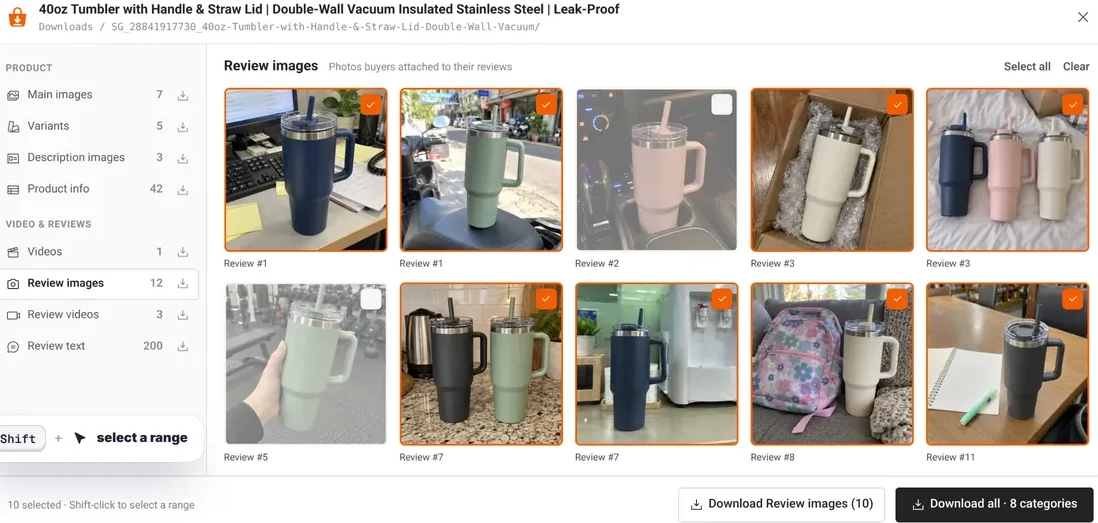
Buyers’ photos show the product in real kitchens, cars and gyms — the shots a studio never takes. ShopEDown saves them at full size into 05_Review_Images, numbered to match the review sheet: review_014_5star_01.jpg is the first photo from review 14. Export the review text alongside with the Shopee review downloader.
A Shopee Image Downloader Extension, Not a Website
Online image grabbers need you to paste a link and usually return what the page shows — thumbnails. As a Chrome and Edge extension, ShopEDown works on the page you are already viewing and fetches the files Shopee already sends to your browser. Images go straight from Shopee's media servers to your disk, never through our servers.
Need the product data too? The same card exports title, price, sales, attributes and every SKU with price and stock to Excel — see the Shopee scraper page. And the listing's video is one more tile away with the Shopee video downloader.
Who Downloads Shopee Product Photos
Sellers relisting on another site
Take the gallery, every variant photo and the description images to a new Shopee market in one go.
Designers and agencies
Work from the client’s original images instead of screenshots or re-sent files.
Affiliates
Use the product’s own photos in your posts, at full resolution.
Product researchers
Build a reference set of how competitors photograph the same product.
Frequently Asked Questions
Does it cost anything to download Shopee product images?
No. Main images, variant and SKU images, description images and product info are free and unlimited, with no account needed. Review photos are part of the paid plans.
How do I download all the images from a Shopee product page?
Open the product page with ShopEDown installed and click the Main images, Variants or Description images tile — or Download all for everything. The files are saved in full size into one folder per product.
Are the images full size or thumbnails?
Full size. The listing shows resized thumbnails; ShopEDown saves the original files behind them, without resizing or recompressing.
What is the difference between main images and variant images?
Main images are the gallery every visitor sees. Variant images belong to one option — a colour, size or style — and appear when a buyer picks it. ShopEDown names each variant file after its option.
Do I get a ZIP file?
No. Files are saved as normal images in a product folder with numbered sub-folders, so there is nothing to unzip.
Can I save review photos too?
Yes. Buyers’ review photos go into 05_Review_Images, numbered to match the review sheet.